








Healthcare organizations rely on Epic to streamline clinical workflows, improve documentation, enhance patient care, and support regulatory compliance. However, implementing a powerful Electronic Health Record (EHR) system is only the first step. The true value of Epic hinges on how effectively physicians, nurses, therapists, and other clinical staff use it daily.
Without proper training, users might struggle with documentation, experience workflow inefficiencies, and spend more time navigating the system than caring for patients. A well-designed training program empowers clinical teams to use Epic confidently, improve productivity, and deliver better patient outcomes.
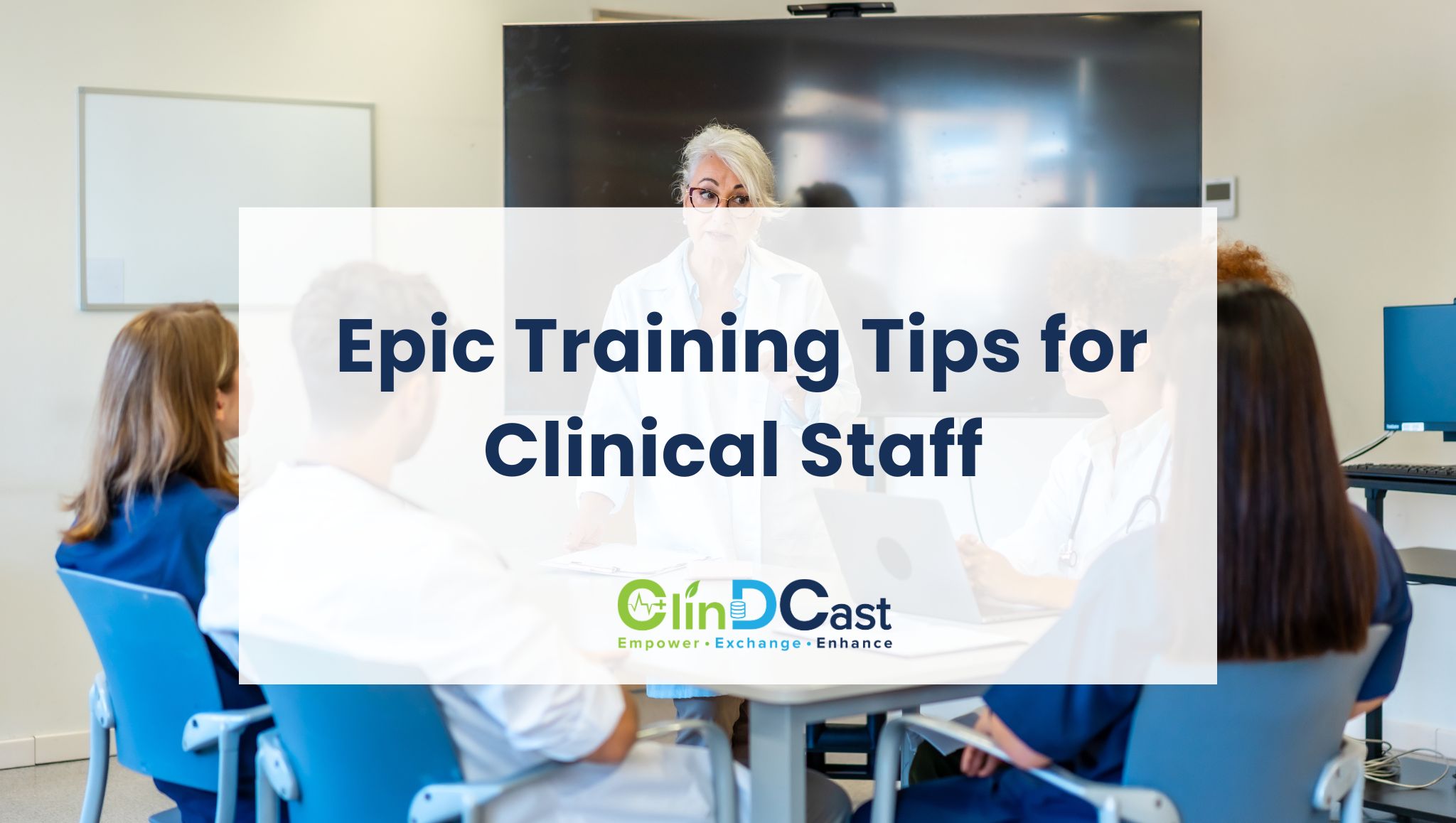
This article explores practical Epic Training Tips for Clinical Staff Best Practices to Improve Efficiency and Patient Care user adoption and get the most from their Epic investment.
Why Epic Training Is Essential
Epic is a comprehensive EHR platform, supporting nearly every aspect of patient care—scheduling, registration, clinical documentation, medication management, order entry, laboratory results, billing, and reporting. Its extensive functionality means learning the system requires more than a basic orientation.
Effective Epic training helps healthcare organizations:
- Improve documentation accuracy
- Reduce charting time
- Increase clinician productivity
- Minimize user frustration
- Improve patient safety
- Enhance regulatory compliance
- Increase return on investment from Epic
Organizations that prioritize continuous learning often see higher user satisfaction and more efficient clinical workflows.
1. Customize Training for Every Clinical Role
Not every healthcare professional uses Epic the same way. Physicians, nurses, pharmacists, therapists, and administrative staff each have unique responsibilities and workflows. A standardized training program often overwhelms users with information they may never need.
Instead, develop role-specific training paths.
- For physicians: Training should emphasize clinical documentation, order entry, chart review, InBasket management, and SmartTools.
- For nurses: Focus on medication administration, patient assessments, flowsheets, care plans, and bedside documentation.
- For administrative teams: Provide specialized training on scheduling, patient registration, insurance verification, referrals, and appointment management.
Tailored education improves engagement and accelerates learning.
2. Use Hands-On Clinical Scenarios
People learn best by doing. Rather than relying solely on presentations or instructional videos, provide hands-on training using realistic patient scenarios.
Allow users to practice common workflows such as:
- Registering patients
- Documenting clinical notes
- Ordering laboratory tests
- Prescribing medications
- Reviewing imaging results
- Completing discharge documentation
Simulation-based learning builds confidence and prepares staff for real clinical situations before go-live.
3. Teach Epic SmartTools Early
One of Epic’s greatest strengths lies in its productivity features. Unfortunately, many clinicians are unaware of these tools or never receive formal instruction on how to use them effectively.
Training should include:
- SmartPhrases
- SmartLists
- SmartLinks
- Preference Lists
- Order Sets
- Documentation Templates
These features can significantly reduce documentation time while improving consistency across the organization.
4. Focus on Complete Clinical Workflows
Learning where buttons are located is helpful, but understanding the complete workflow is far more valuable.
Training sessions should demonstrate the entire patient journey, including:
- Patient check-in
- Clinical assessments
- Order entry
- Medication reconciliation
- Documentation
- Care coordination
- Follow-up scheduling
- Patient discharge
When clinicians understand how each task connects to the next, they work more efficiently and avoid unnecessary steps.
5. Deliver Ongoing Training Instead of One-Time Sessions
Epic training shouldn’t end after implementation. Healthcare technology evolves through software updates, workflow improvements, and new organizational requirements. Short, ongoing learning sessions are much more effective than lengthy classroom training completed only once.
Consider offering:
- Monthly optimization workshops
- Weekly learning tips
- Five-minute training videos
- Interactive online modules
- Department-specific refresher sessions
Continuous education helps staff stay current while reinforcing best practices.
6. Develop Epic Super Users
Every successful Epic implementation benefits from knowledgeable “Super Users.” These individuals receive advanced training and become trusted resources for their colleagues. They provide immediate assistance during daily operations, answer workflow questions, and help new employees become comfortable with the system.
Their responsibilities often include:
- Supporting go-live activities
- Troubleshooting common issues
- Sharing workflow improvements
- Coaching peers
- Communicating user feedback to IT teams
Having experienced users available within each department improves adoption and reduces support requests.
7. Provide Support Before, During, and After Go-Live
Successful Epic education extends beyond the implementation date.
- Before Go-Live: Introduce users to navigation, documentation, role-specific workflows, and practice exercises.
- During Go-Live: Provide floor support, answer questions quickly, and guide users through real patient encounters.
- After Go-Live: Continue offering optimization sessions, advanced feature training, and workflow improvements based on user feedback.
Organizations that maintain long-term training programs generally experience higher productivity and smoother system adoption.
8. Share Productivity Tips That Save Time
Even small efficiency improvements can significantly impact hundreds of patient encounters. Encourage clinical staff to:
- Use keyboard shortcuts
- Customize dashboards
- Create Favorites lists
- Organize InBasket folders
- Personalize preference lists
- Use filters for faster chart navigation
Saving just one or two minutes per patient can create substantial productivity gains throughout the day.
9. Measure Training Effectiveness
Training should be evaluated continuously, not just assumed to be successful. Useful performance indicators include:
- Documentation completion times
- Chart closure rates
- Help desk ticket volume
- Order accuracy
- InBasket response times
- User satisfaction surveys
Analyzing these metrics helps organizations identify additional learning opportunities and improve future training programs.
10. Encourage Continuous Learning
Epic regularly introduces new features, enhancements, and workflow improvements. Clinical staff should be encouraged to stay informed through ongoing education.
Healthcare organizations can promote continuous learning by:
- Hosting quarterly optimization workshops
- Sharing Epic update summaries
- Offering advanced training sessions
- Encouraging peer knowledge sharing
- Providing annual competency assessments
Continuous learning ensures clinicians remain confident, efficient, and prepared for future system enhancements.
Common Challenges in Epic Training
Healthcare organizations frequently encounter several obstacles during Epic education:
- Limited staff availability
- Resistance to workflow changes
- Information overload
- Inconsistent training methods
- High employee turnover
- Limited post-implementation support
Recognizing these challenges early allows organizations to build more effective and sustainable training programs.
Best Practices for Epic Training Success
Organizations can maximize Epic adoption by following these proven best practices:
- Create role-based learning paths.
- Provide hands-on simulation training.
- Teach SmartTools and productivity features early.
- Focus on real clinical workflows.
- Develop Epic Super Users.
- Offer continuous education after go-live.
Final Thoughts
Epic is a powerful EHR platform, yet technology alone doesn’t improve healthcare. Success hinges on how effectively clinicians use the system to support patient care.
Organizations that invest in structured, role-specific, and continuous Epic training empower their clinical teams. This leads to greater efficiency, reduced administrative burdens, and an improved patient experience. By combining practical education with ongoing optimization, healthcare providers can maximize their Epic investment and achieve better clinical outcomes.
About ClinDCast
ClinDCast helps healthcare organizations maximize the value of their Epic investment through expert consulting, implementation support, workflow optimization, managed services, and comprehensive end-user training. Our experienced Healthcare IT professionals work closely with providers to improve user adoption, streamline clinical workflows, and enhance EHR performance. Whether you’re preparing for an Epic go-live or optimizing an existing environment, ClinDCast delivers the expertise and ongoing support needed to drive long-term success and better patient care.